Growing from ReeWeb
ReeWeb and Reepolee are two sides of the same coin. They share the same .ree template engine, the same translation key conventions and lookup tags, the same Tailwind CSS approach, and the same Bun-native philosophy - zero runtime dependencies, plain TypeScript, no framework lock-in.
The difference is scope. ReeWeb is a static site generator. It produces flat HTML files that you deploy to a CDN. The Reepolee Framework is a full-stack Bun framework and application foundation. It runs as a Bun process with a database, authentication, form handling, email, and an admin panel.
Many of our clients start with ReeWeb for a marketing site, a documentation hub, or a multi-language landing page. And that is the right call - static files are faster, simpler, and cheaper to serve than a server process. But as the project grows, hand-editing content files stops scaling. The answer is not to migrate the site into something bigger. You add a Reepolee application next to the ReeWeb project and use it as the source of data - the way you would use a CMS or a DXP - while the site itself stays static.
The Continuum
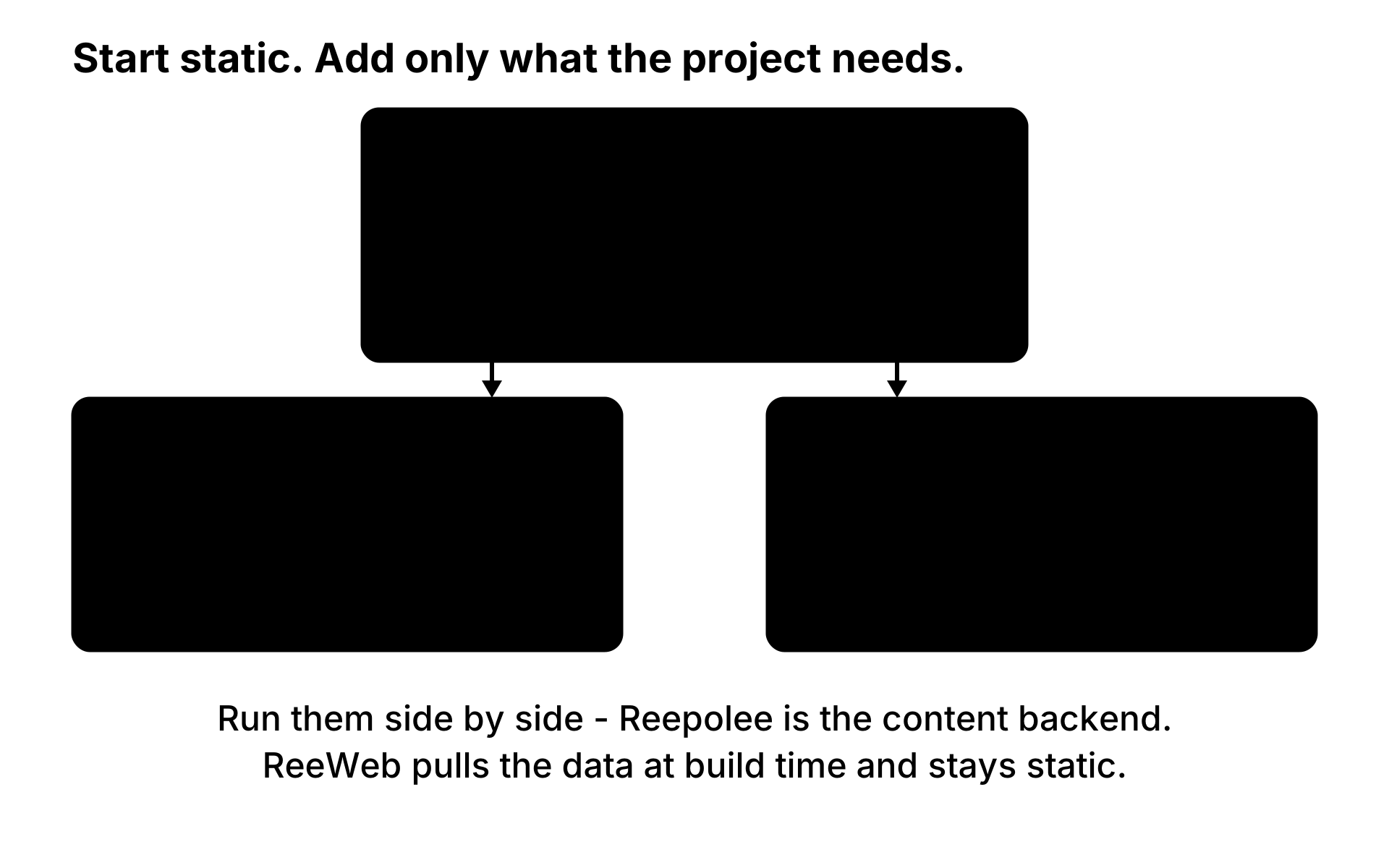
ReeWeb and Reepolee are not separate products with separate ecosystems. They grow from the same foundation and divide the work between them:
ReeWeb (static site)            Reepolee (application)
----------------------------------------------------------
Renders pages at build time     Stores and serves the data
Flat HTML on a CDN              Database-backed Bun process
Co-located {locale}.json files  Co-located {locale}.json files
No auth, no forms               Auth, forms, admin, email
The shared foundation is the template syntax, the components model, the translation key conventions, the styling - and now the translation storage itself. Both sides keep their translation values in co-located {locale}.json files: ReeWeb bakes them into the static build, while Reepolee loads them at server startup and serves them at request time. A translation file written for one side already works on the other, with no conversion step.
When to Add Reepolee
ReeWeb alone is the right choice when:
- Your content is mostly static (documentation, blog, marketing pages)
- You don't need user accounts or personalised content
- Your forms are simple - a contact or inquiry form is a small addition to the site's Cloudflare Worker, which sends the submission by email or writes it to D1
- You want the simplest possible deployment (copy files to a CDN)
Adding a Reepolee application next to it becomes the right choice when:
- You need to store data - team members, projects, product records that pages are built from
- You need an admin panel - a place for staff to manage content without editing markdown files
- You need authentication - login, registration, password resets, role-based access
- You need forms tied to your data - order forms that create records, workflows with validation, database writes, and email follow-up (a simple contact form doesn't need this - it belongs in the site's worker)
- You need file uploads - avatars, images, documents that users submit
- You need truly dynamic pages - pages that change based on who's viewing them
These are not either/or decisions. The most common combination keeps the whole public site in ReeWeb - static, cached, CDN-served - and puts the content management, data storage, and application features in the Reepolee app beside it.
Running Them Side by Side
The two projects live next to each other, each with its own repository and deployment:
labs/
├── my-site/        # ReeWeb - the public static site
└── my-app/         # Reepolee - data, admin, application features
ReeWeb ships a small client for Reepolee's read API in src/lib/reepolee_api.ts:
fetch_collection(route_path, opts?)   // → { data, total, limit, offset }
fetch_record(route_path, id)          // → record | null
Any page's data loader can pull records from the Reepolee app at build time:
// src/public/team/index.ts (sibling to index.ree)
import { fetch_collection } from "../../lib/reepolee_api";

export async function load_template_data(): Promise<Record<string, any>> {
    let team: any[] = [];
    try {
        const team_result = await fetch_collection("/team");
        team = team_result.data;
    } catch (err) {
        console.warn("[reeweb] Could not fetch team from local reepolee server:", (err as Error).message);
    }
    return { team };
}
The template renders the records like any other props data:
{#each props.team as member}
    <article>{= member.full_name }</article>
{/each}
The wiring takes two steps:
- Start Reepolee in agent mode:
bun run agent. Agent mode is a development-only mode that binds to127.0.0.1:AGENT_SERVER_PORTand answersAccept: application/jsonrequests on its generated CRUD routes with a{ data, total, limit, offset }envelope (single records viafetch_record). Sensitive fields are stripped from JSON responses, and routes without JSON support answer with a 404 envelope. Protected routes authenticate through theAGENT_USER_USERNAMEenv var. - Point ReeWeb at it: set
REEPOLEE_API_URL=http://localhost:2500(the ReepoleeAGENT_SERVER_PORT) in the ReeWeb project's.env.
From then on, bun run dev fetches live data on every request and bun run ssg fetches it once per page at build time. The published site is still plain static files - Reepolee is consulted during the build, not by visitors. Fetch failures are caught and logged, and the page still renders with an empty data set, so an unreachable backend never breaks the build.
Static pagination works with this data too: register the route in config/pagination.ts, export load_records(lang) from the route's index.ts, and the build chunks the Reepolee records into /team/2/-style pages. See Pagination for the mechanics.
This is the CMS/DXP shape: staff create and edit records in Reepolee's generated admin panels, and the next site build turns those records into static HTML. Content changes go live by rebuilding the site, which is the same publish step every static site already has.
Translations Stay Put
Translation handling is the area where the two products are most alike - and the side-by-side model means nothing moves:
- ReeWeb loads translations from per-directory
{locale}.jsonfiles at build time. Key paths are namespaced by directory, and the values ship inside the rendered HTML. - Reepolee loads translations from the same co-located
{locale}.jsonfiles at server startup - one file per locale beside each route directory, with the repository root as the global namespace. Values are edited through the JSON files, the/translationsadmin UI, or the AI-powered sync generator.
Both engines resolve the same lookup tags - {_ path } (escaped), {- path } (unescaped), {@ path } (markdown) - against the same kind of key paths, with the same {last_segment} missing-key marker. A translator or developer who learned the key conventions on one side already knows the other. Because the values live in the same JSON layout on both sides, there is no import step and nothing to convert.
What Each Side Owns
| Concern | ReeWeb site | Reepolee application |
|---|---|---|
| Public pages | .ree / .md under src/public/ | Server-rendered routes under apps/main/ |
| Components | src/components/ | components/ |
| Translation values | {locale}.json per directory | {locale}.json per route directory |
| Content records | Fetched at build time | Stored, validated, and edited in the DB |
| Content editing | Markdown files, or Reepolee's admin | Generated admin panels |
| Deployment | Static files on a CDN | Bun process on a VPS or container |
The shared foundation - .ree syntax, the components model, translation key conventions, Tailwind setup - is the reason the two projects feel like one system even though they deploy separately.
What Reepolee Adds
The Reepolee app beside your site brings the application features that static files cannot provide:
| Capability | How Reepolee provides it |
|---|---|
| Database | SQLite or MySQL. Bun's native SQL API. No ORM. |
| Auth | Session-based. Login, invite-only registration, password reset. Role tags (user, admin, etc.) for access control. |
| Forms | Zod-validated, server-side with live client feedback. Toast notifications on success. |
| Admin panel | Generated from your database schema. List, search, create, edit, delete - with navigation, module gating, and translations. |
| SMTP-based transactional email (welcome, password reset, notifications). | |
| File uploads | S3-compatible storage (MinIO, R2, AWS S3) with local-filesystem fallback. |
| Background work | Redis-backed job queue with a standalone worker process - email sending, scheduled jobs, long-running tasks. |
You add these piece by piece, in whatever order your project needs them. The public pages that don't need any of it stay in ReeWeb and render the way they always did.
Same Templates, Different Context
The .ree syntax is identical, and so is the data prefix - both reference render data through props.:
<!-- ReeWeb template -->
<h1>{= props.title }</h1>

<!-- Reepolee template - same prefix -->
<h1>{= props.title }</h1>
The only difference is what's available in the render context. Reepolee templates have access to server-side globals that a static build cannot have - the current user, toast notifications, the authenticated session:
{#if props.user }
    <p>Welcome back, {= props.user.display_name }.</p>
{/if}
Components are invoked the same way in both - a ReeTag whose attributes arrive under props.attributes and whose slot content arrives as props.children. So if a project ever grows a page that genuinely needs per-user rendering, that page can be built in the Reepolee app with the same syntax, the same component patterns, and the same translation key conventions you already use on the site. That is reuse of a shared foundation, not a migration.
Growth, Not Migration
The relationship between the two tools is additive. You start with ReeWeb, launch, get traffic, and learn what your users actually need. When the requirements arrive - content editing, data, accounts, forms - you add a Reepolee application next to the site and let it do what a CMS or DXP would do, with the same templates, the same key conventions, and none of the third-party lock-in. The site stays static and fast; the application grows beside it at its own pace.
For a direct comparison of the two tools and guidance on which fits your current project, see the ReeWeb & Reepolee page.