Feature Flags
Reepolee's feature flag system (lib/feature_flags.ts) lets you gate functionality behind per-flag conditions - enabled globally, rolled out to a percentage of users, or enabled for specific users via an allowlist or user override. Flags are backed by Redis and evaluated asynchronously when your code calls the API.
The system is designed for operational control: you can ship code to production that is inactive by default, then enable it gradually as you gain confidence. It is not designed for A/B testing or analytics - those are separate concerns with different data requirements.
import { is_enabled, get_flags } from "$lib/feature_flags";

// Check a single flag for the current user
if (await is_enabled("new_checkout_flow", String(user.id))) {
    return render("checkout/v2", { data, ctx });
} else {
    return render("checkout/v1", { data, ctx });
}
Setup
Feature flags require Redis to be enabled. Set both the switch and the URL in your .env:
REDIS_ENABLED=true
REDIS_URL=redis://localhost:6379
When Redis is not available (REDIS_ENABLED off or no REDIS_URL), all flags evaluate to false - your code compiles and runs, but every gated feature is hidden. This is safe for local development where you usually want the stable path anyway.
The feature-flag module is dormant by default. Reepolee does not import it during bootstrap, seed flags, or evaluate anything automatically. It is loaded only when application code imports it, and no shipped route currently consumes a flag.
Managing Flags
Flags are managed programmatically via admin functions. There's no YAML file, no UI panel - you call these from your admin routes or a seed script:
Create or update a flag
import { set_flag } from "$lib/feature_flags";

await set_flag("new_checkout_flow", {
    enabled: true,
    rollout_pct: 25, // 25% of users
    description: "New one-page checkout with inline validation",
});
Delete a flag
import { delete_flag } from "$lib/feature_flags";

await delete_flag("new_checkout_flow");
List all flags
import { list_flags } from "$lib/feature_flags";

const flags = await list_flags();
// {
//   "new_checkout_flow": { enabled: true, rollout_pct: 25, description: "..." },
//   "dark_mode":         { enabled: false, rollout_pct: 100, description: "..." },
// }
list_flags() uses Redis KEYS, so reserve it for small flag collections and administrative use. Do not call it on a request path against a large shared Redis database.
Evaluation Strategies
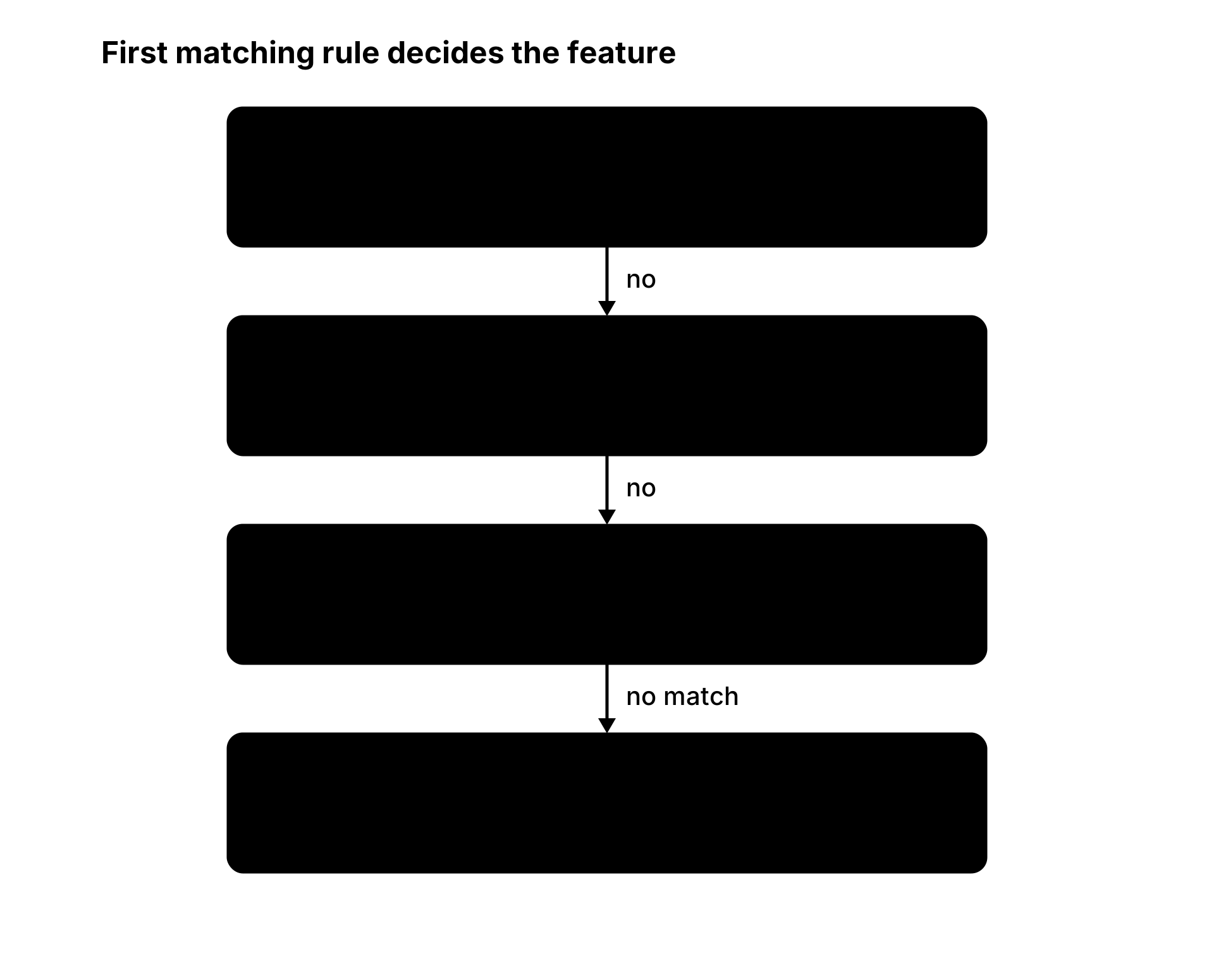
Flags resolve in the following order:
- Per-user override - force on or off for a specific user.
- Allowlist - specific users always see the feature.
- Global enabled + rollout percentage - percentage of users get the feature.
Per-user override
Force a flag on or off for a single user, optionally with a TTL:
import { set_user_override, clear_user_override } from "$lib/feature_flags";

// Force on for 1 hour (e.g., support enabling a feature for a specific user request)
await set_user_override("new_checkout_flow", user_id, true, 3600);

// Force off permanently
await set_user_override("new_checkout_flow", user_id, false);

// Clear the override - user goes back to the normal evaluation chain
await clear_user_override("new_checkout_flow", user_id);
Allowlist
Add users who should always see the feature, regardless of rollout percentage:
import { add_to_allowlist, remove_from_allowlist } from "$lib/feature_flags";

await add_to_allowlist("new_checkout_flow", user_id_1, user_id_2);
await remove_from_allowlist("new_checkout_flow", user_id_1);
Allowlisted users are a superset of the rollout - even at 0% rollout, allowlisted users see the feature. This is useful for internal testing (add your team to the allowlist) before opening the flag to a percentage.
Percentage rollout
The rollout_pct field determines what fraction of users see the feature. Pass a value from 0 through 100; the API stores the value directly and does not validate the range. Users are assigned to buckets deterministically via a hash of {flag_name}:{user_id}, so the same user always gets the same result - no flip-flopping between requests:
await set_flag("new_checkout_flow", {
    enabled: true,
    rollout_pct: 10, // 10% of users
    description: "",
});
Checking Flags in Code
Single flag
const enabled = await is_enabled("new_checkout_flow", String(current_user.id));
The user_id argument is used for allowlist and percentage-rollout bucketing. If the flag is globally enabled with 100% rollout, the user_id is irrelevant - the flag returns true regardless.
Multiple flags (bulk evaluation)
When you need to check several flags for the same user on the same request, use get_flags() to batch the Redis calls:
const flags = await get_flags(["new_checkout_flow", "dark_mode", "beta_search"], String(current_user.id));
// { "new_checkout_flow": true, "dark_mode": false, "beta_search": true }
This issues a single Promise.all under the hood - each flag still hits Redis individually but the queries run concurrently.
Flag Naming Conventions
- Use
snake_casefor flag names. - Names should describe the feature, not the outcome:
new_checkout_flow,dark_mode,beta_search,improved_search_relevancy. - Avoid flag names that describe the work (e.g.,
refactor_step_1) - flags control user-facing behaviour, not code paths. - Once a flag is fully rolled out (100% of users for a stable period), remove the flag check from the code and call
delete_flag()to remove its configuration and allowlist. Clear any known per-user overrides separately withclear_user_override().
The Lifecycle of a Flag
A healthy flag goes through these stages:
- Development - build the feature behind
is_enabled(). Until the flag is created in Redis,is_enabled()returnsfalse, so the feature stays inactive. - Internal testing - ship to production. Create the flag in Redis, add your team to the allowlist. Only you see the new feature in production.
- Canary - set
rollout_pct: 5, then25, then50. Monitor error rates and user feedback at each step. - Full rollout - set
enabled: true, rollout_pct: 100. Everyone sees the feature. - Cleanup - remove the flag check, clear known per-user overrides, and call
delete_flag()to remove the configuration and allowlist. The feature is now the single implementation.
Most flags take days to weeks to go from 1 to 5. Some never reach 5 - if the feature doesn't work out, set enabled: false and leave the dead code path in place until the next cleanup cycle.
When to Use Flags vs Plain If/Else
Use feature flags when:
- You need to make a runtime decision about which code path to execute.
- You want to change the behaviour without deploying new code.
- You want to gradually expose a feature to more users.
- You need to quickly disable a feature without rolling back a deploy.
Use plain if/else when:
- The decision is based on user permissions or subscription tier (use the user object directly).
- The decision never changes after deploy (remove the dead code instead of gating it).
- The gating is temporary and you plan to clean it up in the same PR.
Security Notes
- Flag names and states are stored in Redis without encryption. Anyone with Redis access can read or modify flags. Protect Redis with a strong password and network isolation.
- Flag evaluation does not log access. If you need an audit trail of who saw which feature, add logging around your
is_enabled()call site. - Per-user overrides with a TTL are appropriate for temporary support fixes. For permanent user-level overrides (e.g., "this enterprise customer always gets the beta"), use the allowlist instead.